
Still using pen and paper?
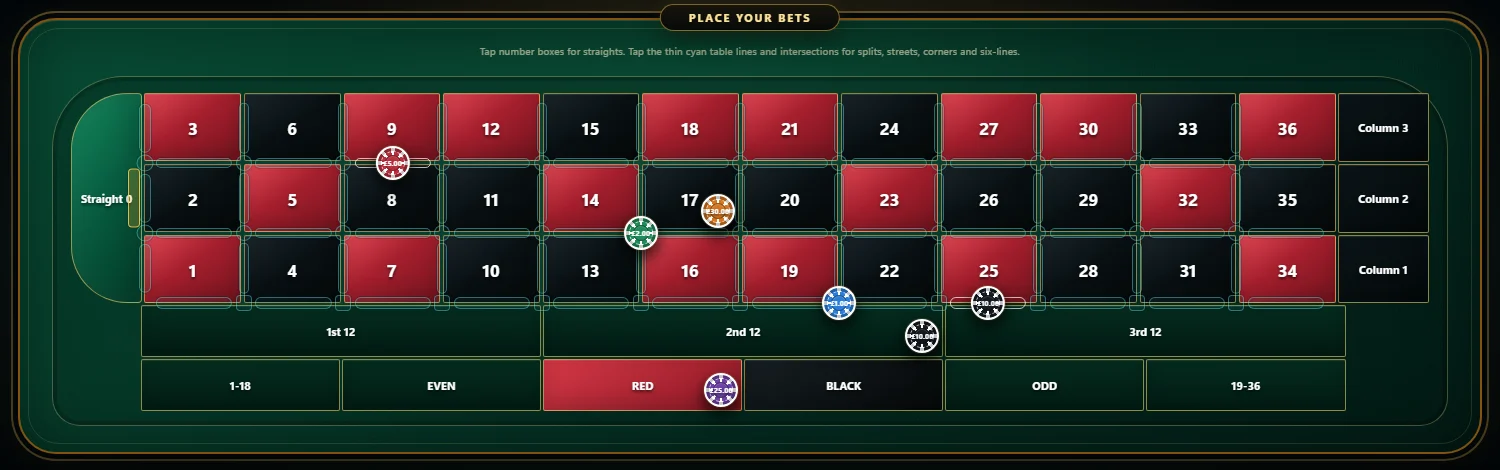
Build the virtual layout on a proper European table, keep the practice balance beside it and save the setup when it is worth revisiting.
GLOW STICKS / GOLD BOT / MT5
Meet Glow Sticks on your own demo account. Our XAUUSD strategy runs in MetaTrader 5 with entry rules, news blockers and guided setup from our team.
£49/month if you choose to continue. Leveraged trading can lose capital.
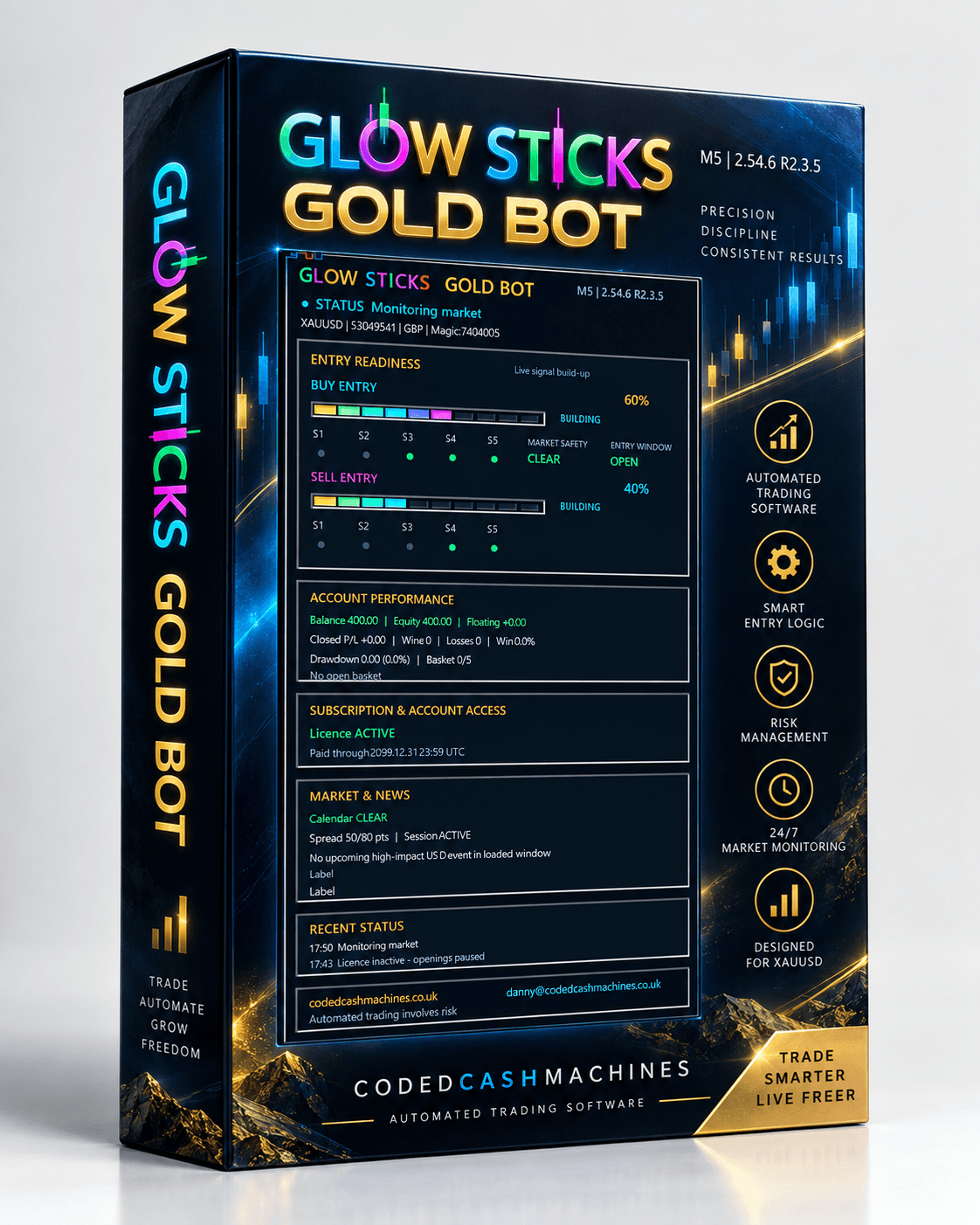
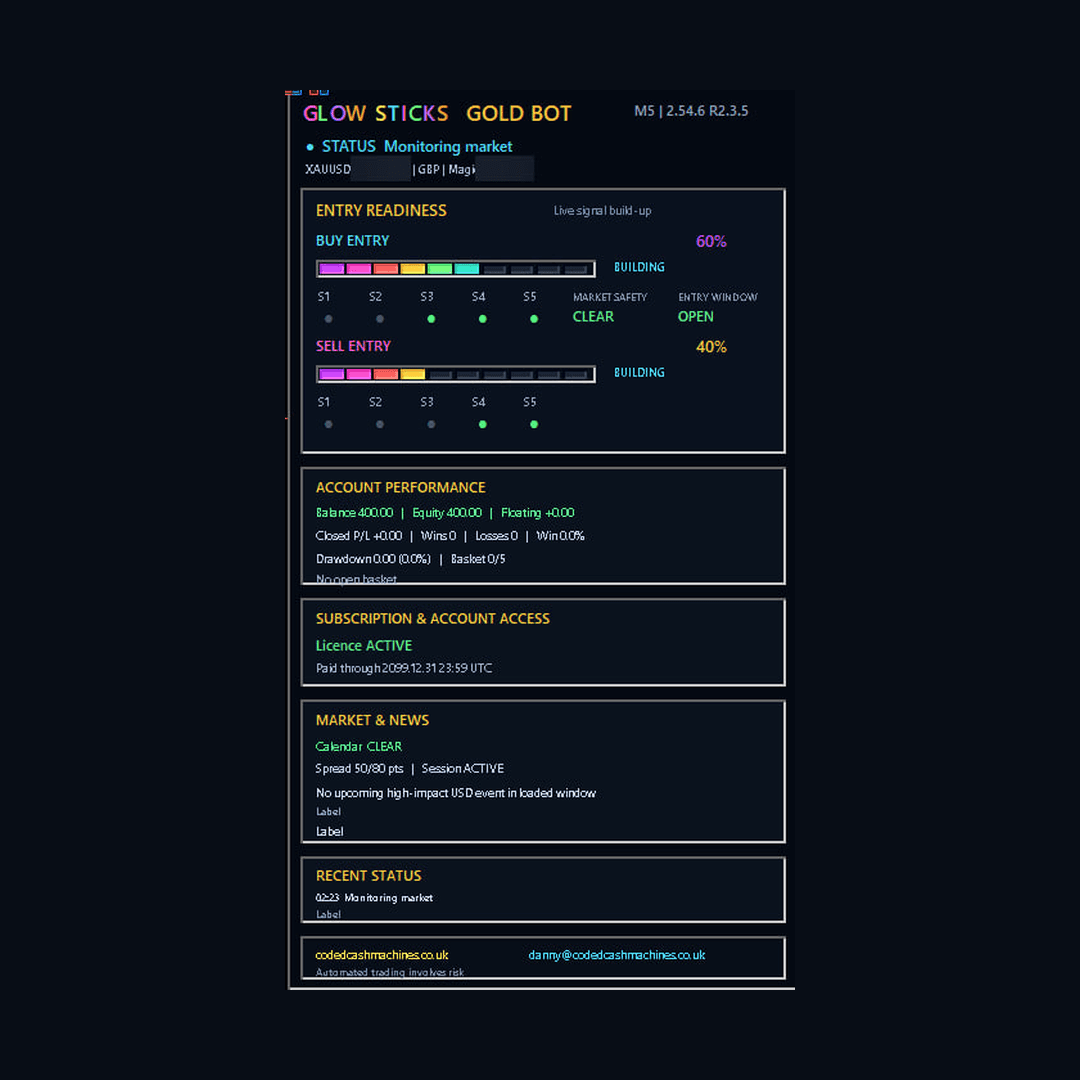
Product artwork · panel illustration · no live result shown
TableSync · Live practice · Real result history
Build your layout with virtual chips, follow real Immersive Roulette or Speed Roulette 1 results, and find out what happened without placing a real-money bet.
Independent CCM product trials · New enrolment in preparation · No automatic renewal£89 / year Standard · £149 / year Pro
The live desk
Choose a game to inspect its latest verified spins. Changing games never mixes their histories.
No verified results are available for this game right now. CCM will not substitute another game or show invented results.
The feed will resume when valid data is received.
Explore Immersive Roulette history →Our story
For more than twenty years, roulette fascinated him. He kept notebooks, built spreadsheets, recorded thousands of spins and kept asking questions. Years later, those questions became ours.
When life changed for our family, preserving that work became something more important. His handwritten research became code, the questions became tools, and eventually TableSync was born.
He brought the questions.I built the tools.Read the full story
Built for the fiddly bits
Build the virtual layout on a proper European table, keep the practice balance beside it and save the setup when it is worth revisiting.
Run the layout with virtual chips while the supported result feed provides the recorded outcomes.
Use the recorded history, Stats and Pro tools to review a historical test instead of trying to remember it afterwards.
TableSync Universal · In your browser
TableSync runs in your web browser. Open it on a desktop computer, or use the portrait layout on a phone or tablet. There is nothing to install.
One CCM account. Your saved Custom Bets and session history follow you across devices. Virtual chips only.
Try TableSyncSee how it works →Illustration of the browser workspace
Why TableSync exists
Real results can arrive from the supported live feed. Your chips, balance, saved layouts and experiments remain virtual and stay inside TableSync.
Explore TableSync roulette practice in your browserGive the idea a proper virtual table, practice balance and saved layout instead of rebuilding it from notes.
Save the complete setup as a Custom Bet, clear the board and bring the same virtual layout back later.
TableSync supports result-driven Custom Bet rules and configurable refresh behaviour inside the virtual workspace.
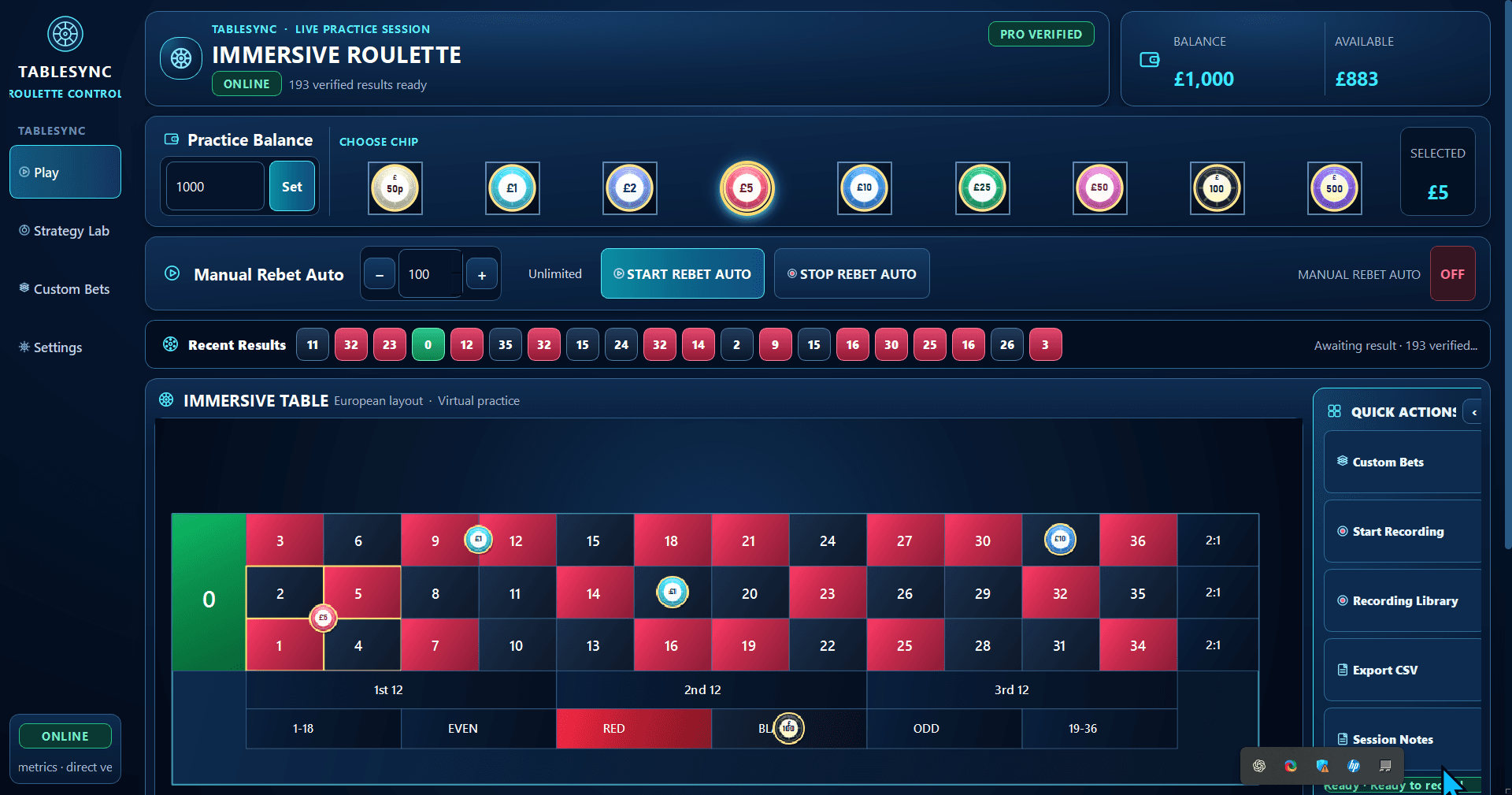
Save a complete virtual setup, give it a useful name and return to it without placing every chip again from memory.
See Custom Bets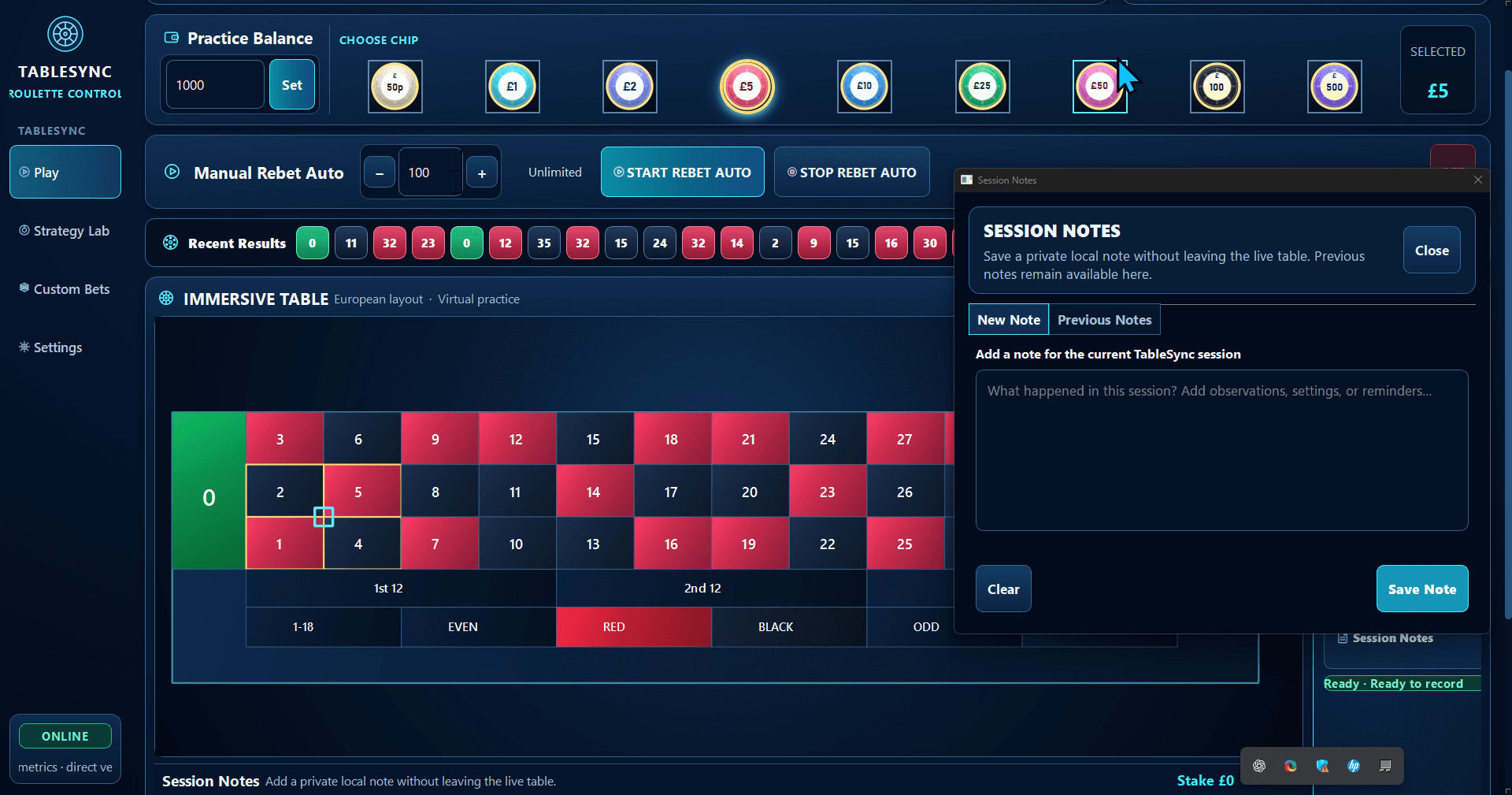
Change the history window, number count or refresh interval and compare how configured variants behaved against the same recorded history.
Explore Pro tools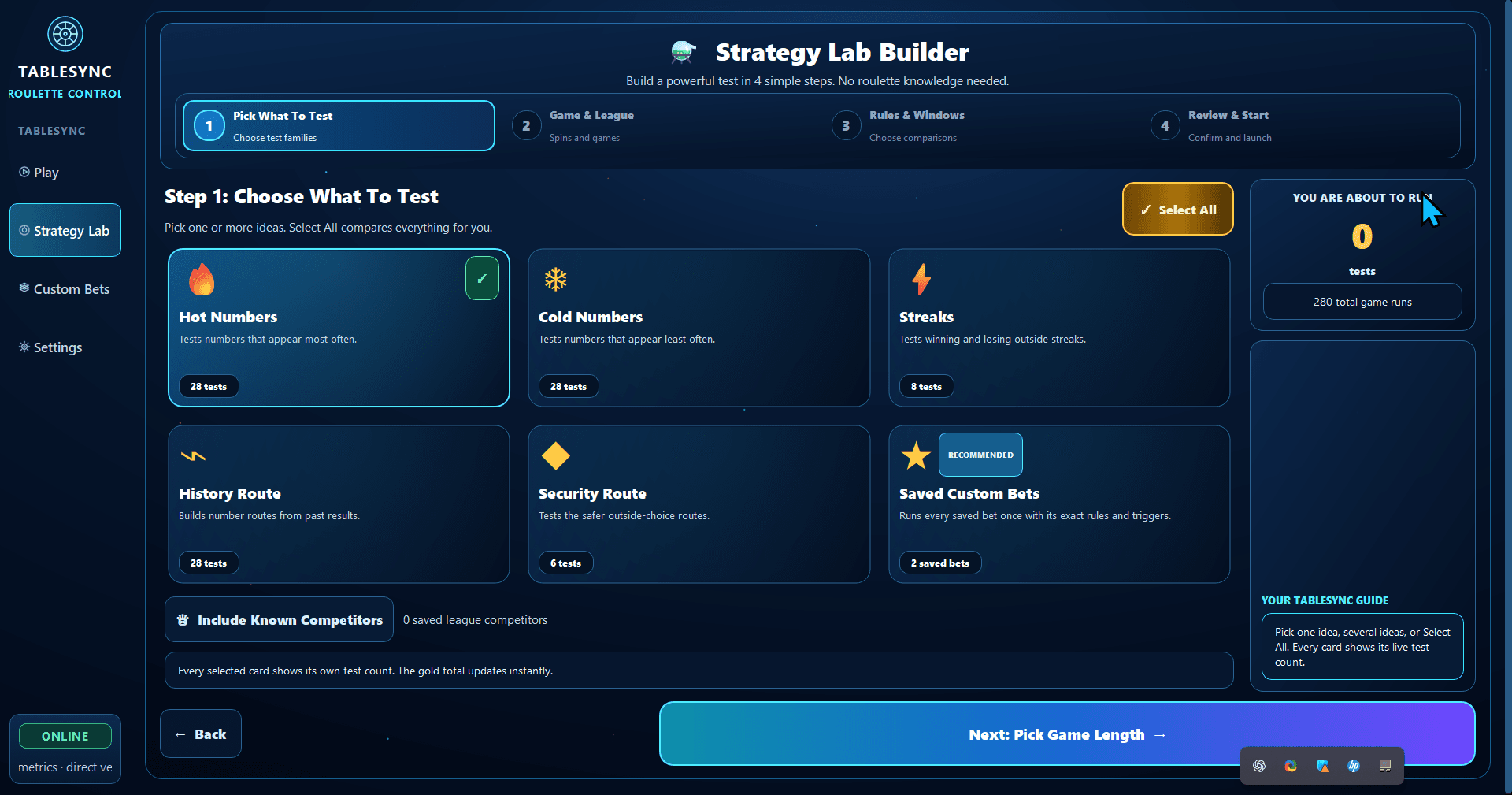
See TableSync in action
From the virtual table to Custom Bets and Strategy Lab, this is a quick look at how the workspace fits together.
Custom Bets
Build a reusable layout, use result-driven rules where supported and choose when a statistical selection should refresh. The automation stays inside TableSync; it does not place real-money bets.
See how Custom Bets workGot an idea?
Compare configured strategies, test saved Custom Bets and inspect the runs that did not go to plan. The Universal research workspace adds server-side testing, historical archive runs and comparison tools. Public web access is coming soon.
Explore TableSync Pro StatsRun configured variants against the same recorded results and compare their outcomes, rather than relying on a single good-looking run.
Set the recorded-result window, stake, bankroll and test length. The new Universal research workspace also supports saved-spin archive testing.
Compare saved layouts and supported strategy families, including their configured triggers, refresh rules and progressions.
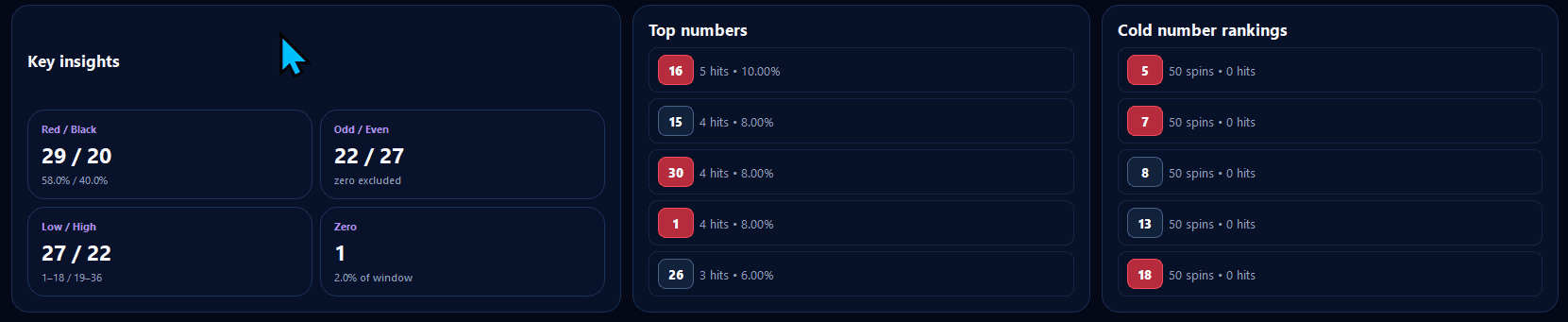
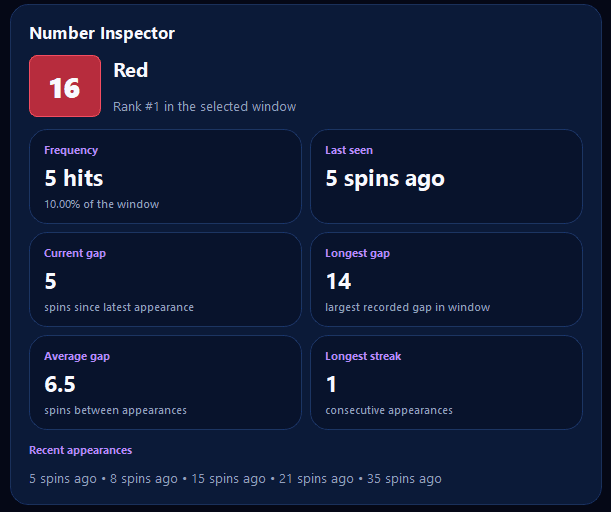
Review net results, drawdown, win rate and ranked competitors. A profitable historical run is not proof of a future edge.
Recorded research walkthrough
See an actual recorded testing session. This August 2026 development film shows an earlier interface; current features and results may differ. The recording is not evidence of a future betting advantage.
Simple annual access
Compare the TableSync plans and review the planned CCM trial journey. Play, Stats and Custom Bets require active Pro access. Strategy Lab remains Coming Soon. Access does not renew automatically.
Virtual chips, a practice balance, a full European board, Custom Bets, Auto Mode and clear session tools in one browser workspace.
Everything in TableSync Standard, plus advanced Stats and Strategy Lab with Visual Tables inside the Lab.
CCM confirms the exact amount and any founding availability before payment. A payment-details request alone does not create product access.
Your CCM account
Sign in to see your plan, trial and subscription, open TableSync and reach support. CCM Quantum has been folded into TableSync, so there is no separate app to install or update.
Trust without theatre
CCM is an independent software business, not a casino or betting operator. We publish product evidence, release information and support routes instead of inventing trust badges.
TableSync opens in your web browser. Sign in and start, with no installer and no Windows prompts.
Open TableSyncSee what changed between releases rather than relying on a vague update message.
Read release notesUse the status page when account, results or email availability is in question.
Check service statusPrivate support is available at danny@codedcashmachines.co.uk, with Discord for community discussion.
Open supportWe don't sell dreams.
We build tools.Ready when you are.